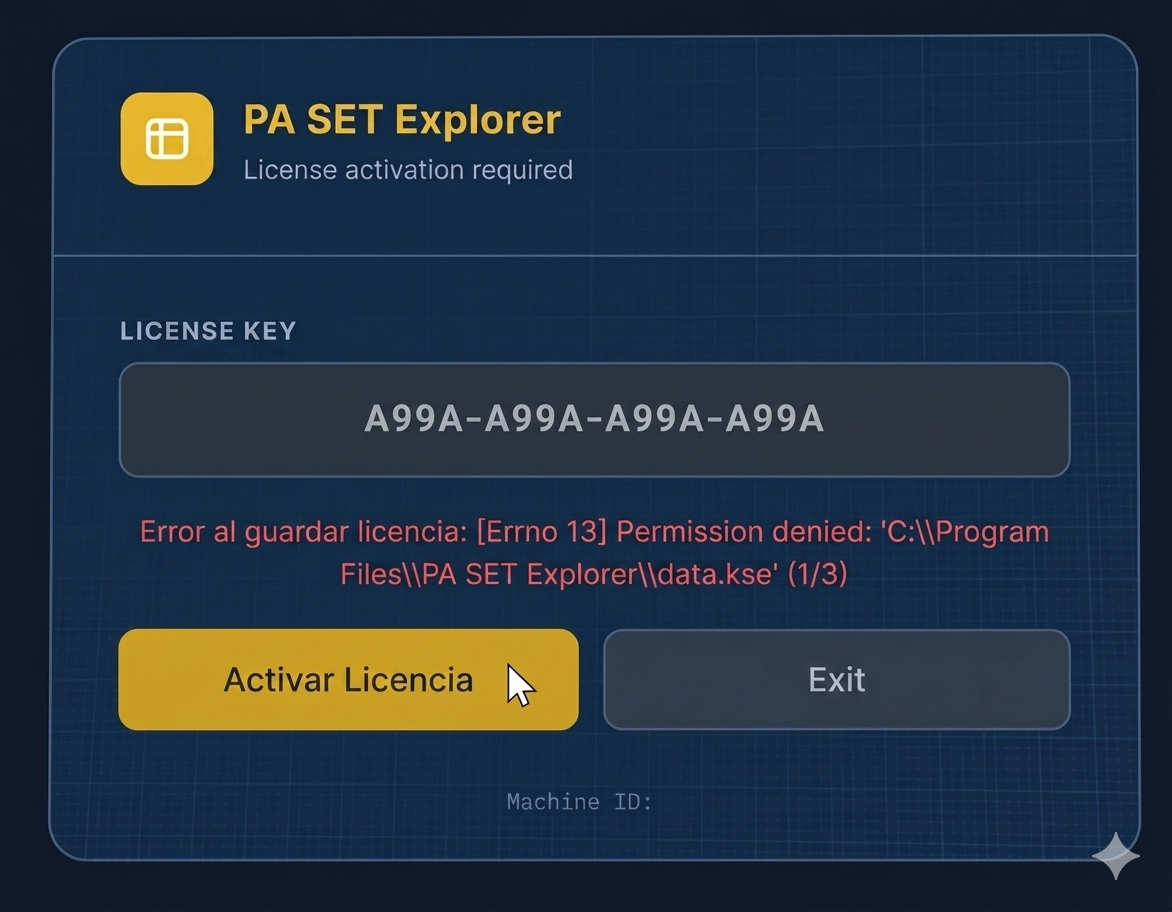
If you are seeing the "Permission denied" error while trying to activate your license, don't worry. This happens because the app doesn't have permission to write to the installation folder.
Follow these steps to fix it:
1. Close the program completely.
2. Right-click on the PA SET Explorer icon.
3. Select "Run as administrator".
That's it! Once you run it as admin, you can enter your license key and it will save correctly without any issues. 🎹🔥
in Virtual Machine, Windows 11, on Mac system computer, the machine ID does change, hence the licence does not work next time you restart the windows, perhaps next version release it must remember the virtual machine including the licence status.
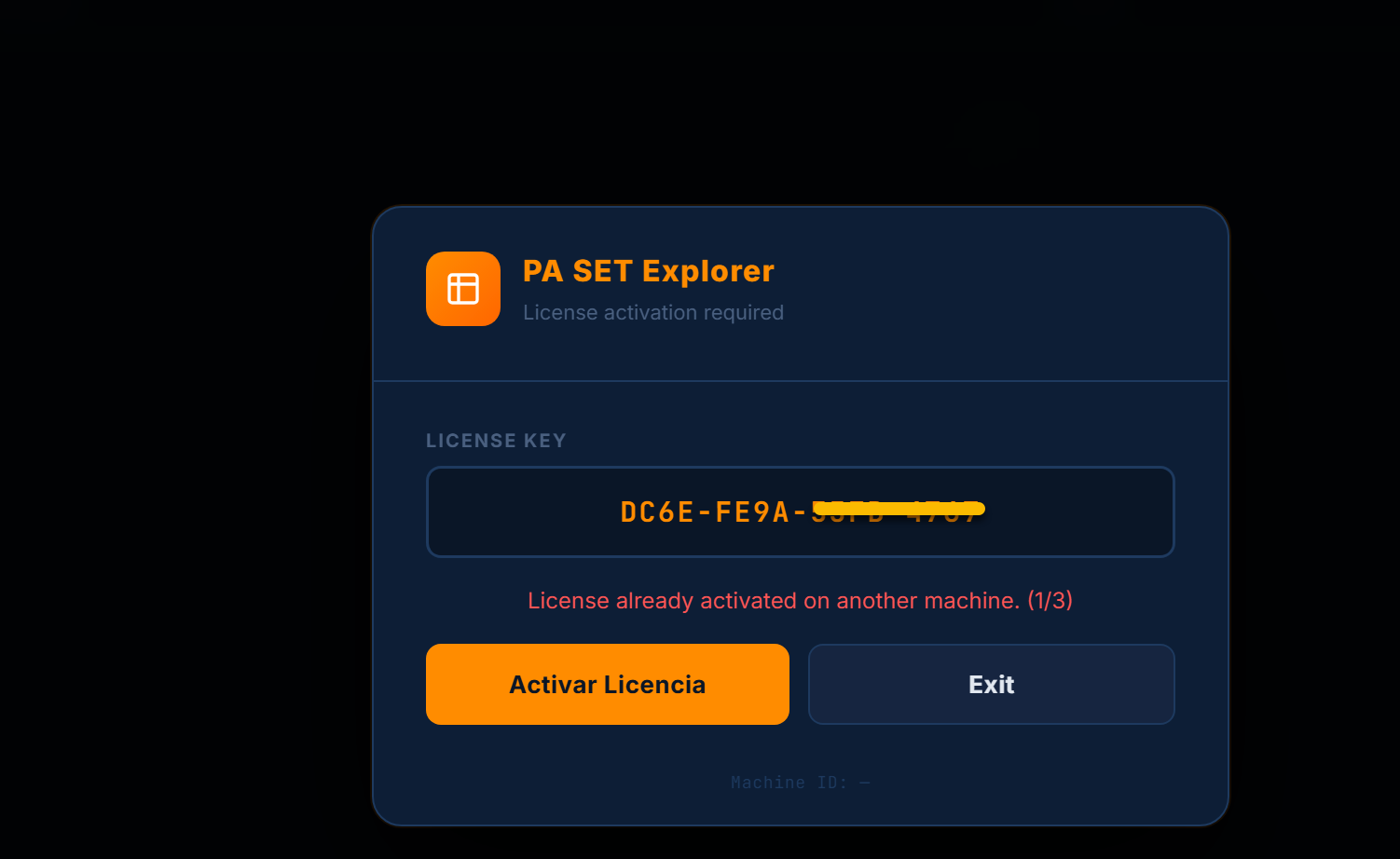
I activated my license a week ago today I opened the app and wants me to type it again for some reason and since I already use it, it says license used on another machine or license not found.
I activated my license a week ago today I opened the app and wants me to type it again for some reason and since I already use it, it says license used on another machine or license not found.
Hi, sorry i am updating the license system and in the version 1.0 and 1.1 is not working good. This is solved in the upcoming version 1.2.