12 Apr 2026, 13:18
#
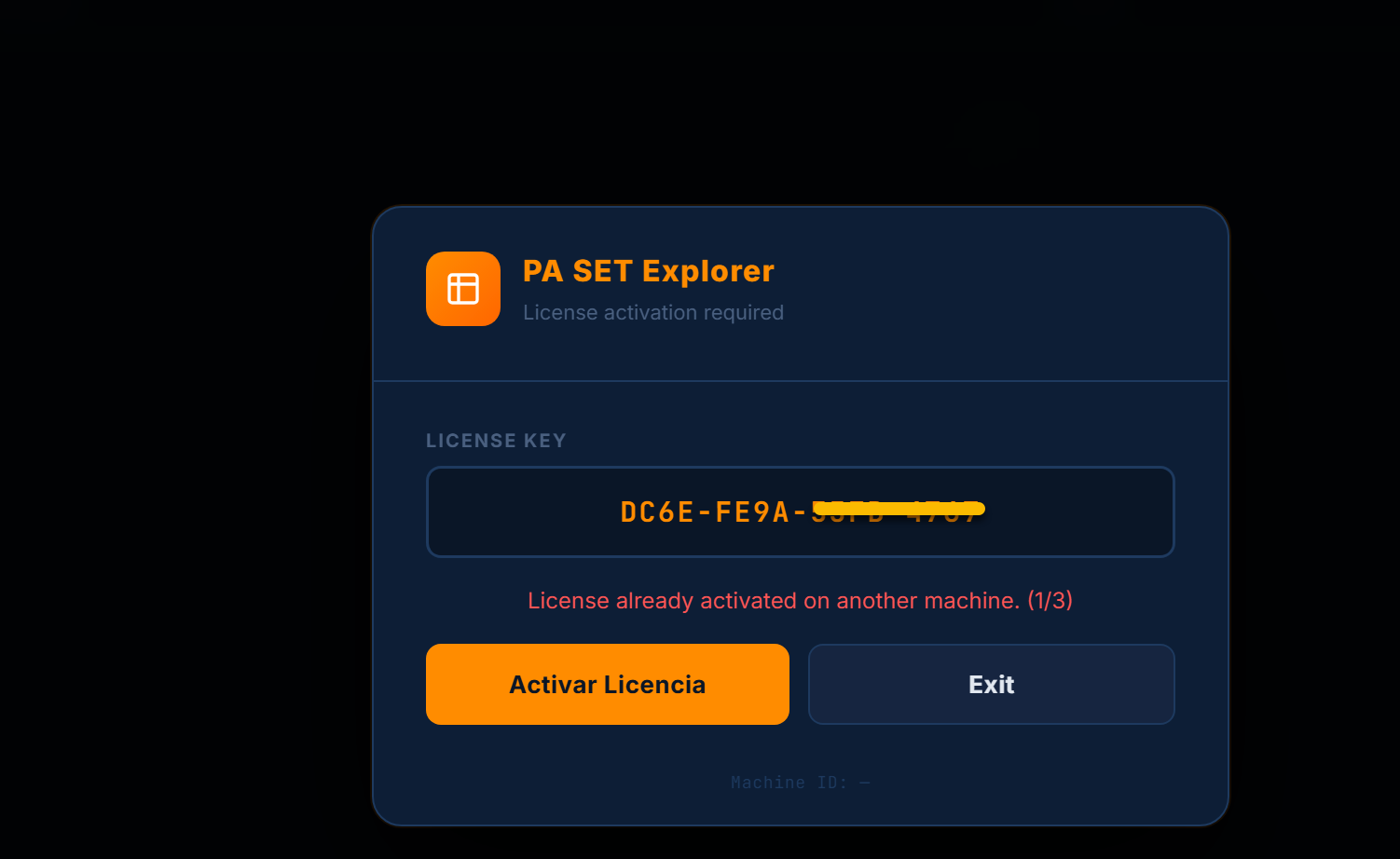
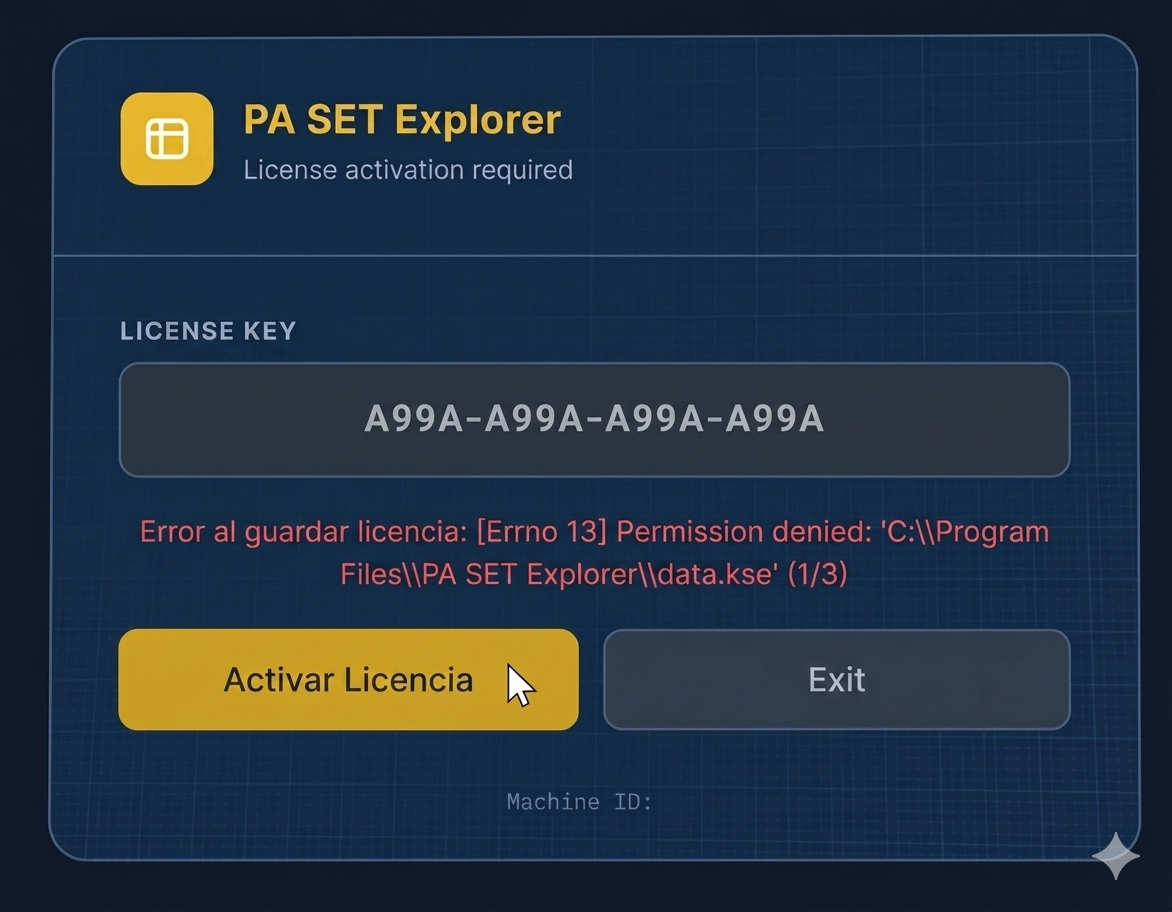
If you are seeing the "Permission denied" error while trying to activate your license, don't worry. This happens because the app doesn't have permission to write to the installation folder.
Follow these steps to fix it:
1. Close the program completely.
2. Right-click on the PA SET Explorer icon.
3. Select "Run as administrator".
That's it! Once you run it as admin, you can enter your license key and it will save correctly without any issues. 🎹🔥
Follow these steps to fix it:
1. Close the program completely.
2. Right-click on the PA SET Explorer icon.
3. Select "Run as administrator".
That's it! Once you run it as admin, you can enter your license key and it will save correctly without any issues. 🎹🔥